
You spent days on your slides. People signed up. Then the webinar starts and half the seats are empty.
It happens to almost everyone. Many webinar hosts find that only around half the people who register actually attend live. The rest forget, get busy or simply lose interest between signing up and the start time.
The good news is that most of those no-shows can be won back. Better timing, better reminders and a few smart changes to how you run your webinar can fill a lot more seats.
This guide walks you through the steps that make the biggest difference, in plain language.
Why People Sign Up and Then Don't Show Up
Before fixing the problem, it helps to know what causes it.
- They forget. A signup on Monday for a Thursday webinar is easy to lose track of.
- The time doesn't work. Something comes up, or the time was never great for their time zone.
- The promise was vague. If they're not sure what they'll get, it's easy to skip.
- Too much friction. Confusing links, extra logins or downloads put people off at the last minute.
- They plan to watch the replay. Many people sign up just to get the recording.
Every tip below tackles one or more of these reasons.
Step 1. Make a Promise Worth Showing Up For
Attendance starts with your title and signup page. A specific, useful promise makes people block out the time.
Compare "Marketing Tips for 2027" with "How to Get Your First 100 Customers Without Paid Ads." The second one tells people exactly what they'll walk away with.
- Name the result. What will they be able to do after the webinar?
- Keep it short. 30 to 45 minutes feels easy to commit to.
- List three takeaways. Simple bullets on the signup page help people see the value.
- Add a bonus for live attendees. A checklist, template or discount that only people who attend get.
Invite the Right People
Attendance isn't only about reminders. It also depends on who signs up in the first place. People who are really interested in your topic are far more likely to show up than people who clicked on a vague ad.
Your email list is usually your best source. These people already know you and chose to hear from you. Send a short invite that explains the main result, then a second email a few days later for those who missed the first.
Social media works well when you share a useful tip from the webinar itself. Give people a taste of what they'll learn, then invite them to the full session. Partners can help too. Co-hosting with someone who serves the same audience puts your webinar in front of people who already trust them.
Paid ads can fill a webinar quickly, but cold traffic tends to show up less. If you use ads, keep the gap between signup and start short, and lean on reminders.
Step 2. Pick the Right Day and Time
Timing has a big effect on attendance. Midweek days, like Tuesday to Thursday, tend to work well for business audiences. Late morning or around lunchtime often suits people with office jobs.
But your audience is what matters most. Look at when your emails get opened and when your site gets the most visits. If your audience is spread across time zones, run the same session more than once or offer a session at a time that suits each region.
Step 3. Shorten the Gap Between Signup and Start
The longer the wait, the more people forget. A webinar that starts tomorrow usually gets better attendance than one that starts in three weeks.
One of the most effective ideas is the just in time webinar. Instead of one fixed date, the next session starts within minutes of signing up, or at the next available slot. People sign up when they're interested and watch while that interest is still fresh.
Use the Thank You Page Wisely
The moment right after someone signs up is when they're most interested. Most webinars waste it with a plain "Thanks, see you soon" message.
Use that page to lock in attendance. Show an add to calendar button first. Then add a short video or a few lines about what they'll learn, and ask them to reply to the confirmation email with their biggest question. People who take a small action right away are much more likely to show up.
You can also ask them to share the webinar with a colleague. A friend who's coming along is one more reason not to skip it.
Live, Automated or Both?
Live webinars feel exciting and let you answer questions in real time. But they're tied to one time slot, and you have to show up for every session.
Automated webinars play a recorded presentation on a schedule or on demand. You can run them many times a day without being there, which means more sessions and more chances for people to attend.
Many businesses do both. They run a live webinar to test and polish the content, then turn the best recording into an automated webinar that keeps bringing in leads and sales every day.
Step 4. Send Reminders That Actually Work
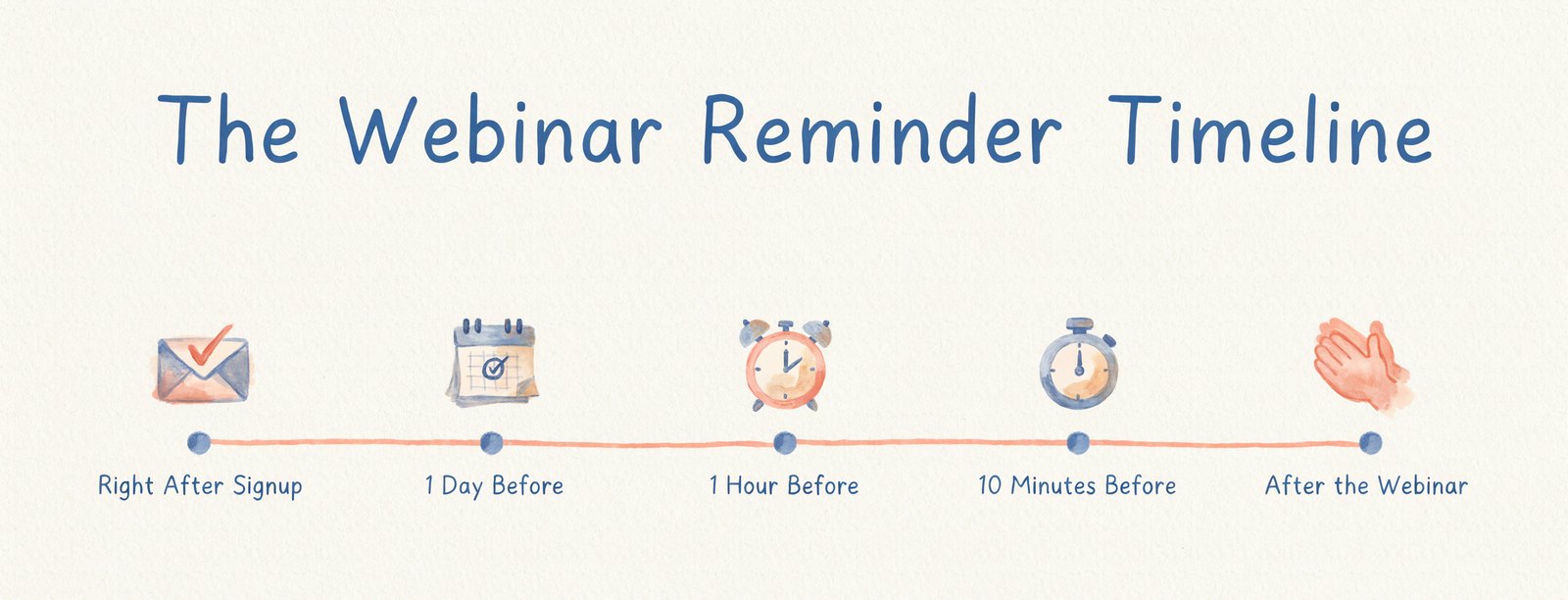
Reminders are the single biggest lever you have. Here's a simple schedule.
| When | What to Send | Why |
|---|---|---|
| Right after signup | Confirmation with date, time and calendar link | Gets it into their calendar right away |
| 1 day before | A reminder with one teaser from the content | Rebuilds excitement |
| 1 hour before | A short reminder with the join link | Catches people planning their day |
| 10 minutes before | We're starting soon, join here | Pulls in people who forgot |
| After the webinar | Replay link and the main takeaway | Reaches people who missed it |
Keep every reminder short. Put the join link at the top. And always include an add to calendar button in the first email, because a calendar alert is the reminder people trust most.
If your audience uses text messages, an SMS reminder an hour before can work well too. Just make sure people opted in to texts.
Step 5. Offer On-Demand and Replay Options
Some people will never make a fixed time, no matter how many reminders you send. Instead of losing them, give them another way to watch.
On-demand webinars let people start watching right after they sign up. Scheduled replays run your recorded webinar at several set times a day, so there's always a session coming up soon. Both turn no-shows into viewers.
This is the idea behind evergreen webinars. Record your best presentation once and let it run on a schedule. We cover how to set one up in our guide to creating an evergreen webinar that sells 24/7.
A Sample Reminder Email
Here's a simple reminder you can adapt for the hour before your webinar.
Subject. We start in 1 hour
Hi Sam, quick reminder that "How to Get Your First 100 Customers Without Paid Ads" starts in one hour. We'll cover the three channels that brought in our first customers, and the exact message we used.
Stay until the end for the free customer outreach template, only for people who join live. Here's your link to join. See you soon.
Notice what it does. It names the result again, gives one specific teaser, mentions the live-only bonus and puts the link front and center. Short and useful beats long and clever.
What to Do About No-Shows
No matter how well you plan, some people will miss it. Don't write them off. They signed up for a reason.
Send the replay within a few hours, while interest is still fresh. Lead with the single most useful idea from the session so people have a reason to click. Give the replay a deadline, like 48 or 72 hours, so it doesn't sit in their inbox forever.
You can also invite no-shows to the next live session or to an on-demand version they can watch right away. Many people who missed the first time will happily attend the second.
Step 6. Make Joining Effortless
- One click to join. No extra accounts, passwords or downloads.
- Works in the browser on phones, tablets and computers.
- Same link everywhere. Use the same join link in every reminder.
- Clear start time shown in the viewer's own time zone.
Every extra step loses a few people. Test your join process yourself on a phone before every webinar.
Step 7. Keep People Watching Once They Arrive
Getting people to show up is only half the job. You also want them to stay until your offer.
- Start on time and get to the point in the first two minutes.
- Say what's coming. Tell people what they'll learn and mention the live bonus at the end.
- Use chat. Ask simple questions people can answer in one word.
- Add polls and info boxes to break up long sections.
- Keep slides simple. One idea per slide, big text, few words.
- Make the call to action clickable, with a button right next to the video.
How Webinarloop Helps You Fill More Seats
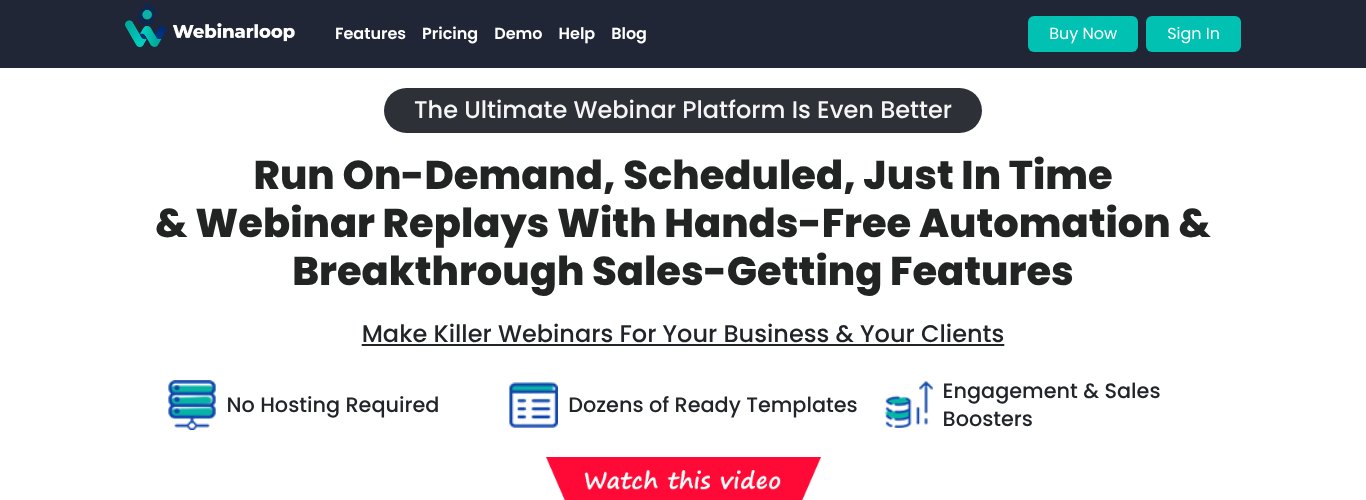
Webinarloop is an automated webinar platform built around the ideas in this guide. You record your presentation once, then choose how people watch it.
- Just in time, scheduled or on-demand webinars, so there's always a session that fits your viewer's schedule.
- Webinar replays that play on a schedule or on demand.
- Automated email reminders with messages you can customize.
- Dozens of signup page templates with a built-in page builder, plus embeddable signup forms for your own pages and emails.
- Simulated chat and an engagement sidebar with info boxes, graphics, polls and surveys to keep people watching.
- Clickable call to action buttons so viewers can buy right inside the webinar.
- Retargeting and analytics with Facebook Pixel, Google Analytics and detailed retention reports.
- Integrations with top autoresponders, plus Zapier for any CRM.
Webinarloop costs $5.58 a month, paid yearly ($67 a year), or $6.99 month to month, with a 30 day refund. That's a fraction of what most webinar platforms charge.
Comparing platforms? See our list of the best automated webinar software.
More Ideas From the Experts
Here's a short video from Livestorm with more data-backed ways to raise webinar attendance.
How to Measure Your Webinar Attendance
- Show-up rate. Live attendees divided by registrants.
- Replay views. How many people watched the recording?
- Average watch time. How long do people stay?
- Offer clicks. How many people clicked your call to action?
- Reminder opens and clicks. Which reminder brought people in?
Change one thing at a time, like the start time or a reminder, and compare your numbers across a few webinars.
FAQ
What is a good webinar show-up rate?
It depends on your audience and topic, but many hosts see around half of registrants attend. If you're well below that, start with reminders and timing.
How many reminder emails should I send?
Three to four works for most webinars. A confirmation, a reminder the day before, one an hour before and one at start time.
Do automated webinars get better attendance?
They often do, because people can choose a time that suits them or start right away. That removes the biggest reason people miss live webinars.
Should I send the replay to everyone?
Yes. Send it to everyone who registered. Some of your best customers may be people who couldn't make it live.
How long should a webinar be?
Around 30 to 45 minutes of content plus a few minutes for questions suits most audiences. Longer sessions can work for training, but say so clearly on the signup page.
Final Thoughts
Getting more people to show up to your webinar comes down to a few simple things. A clear promise, the right time, reminders that work and a way to watch for people who can't make it live.
If you want all of that on autopilot, try Webinarloop. Set up your webinar once, and let it run sessions, send reminders and fill seats for you.